
1. Access Your Project
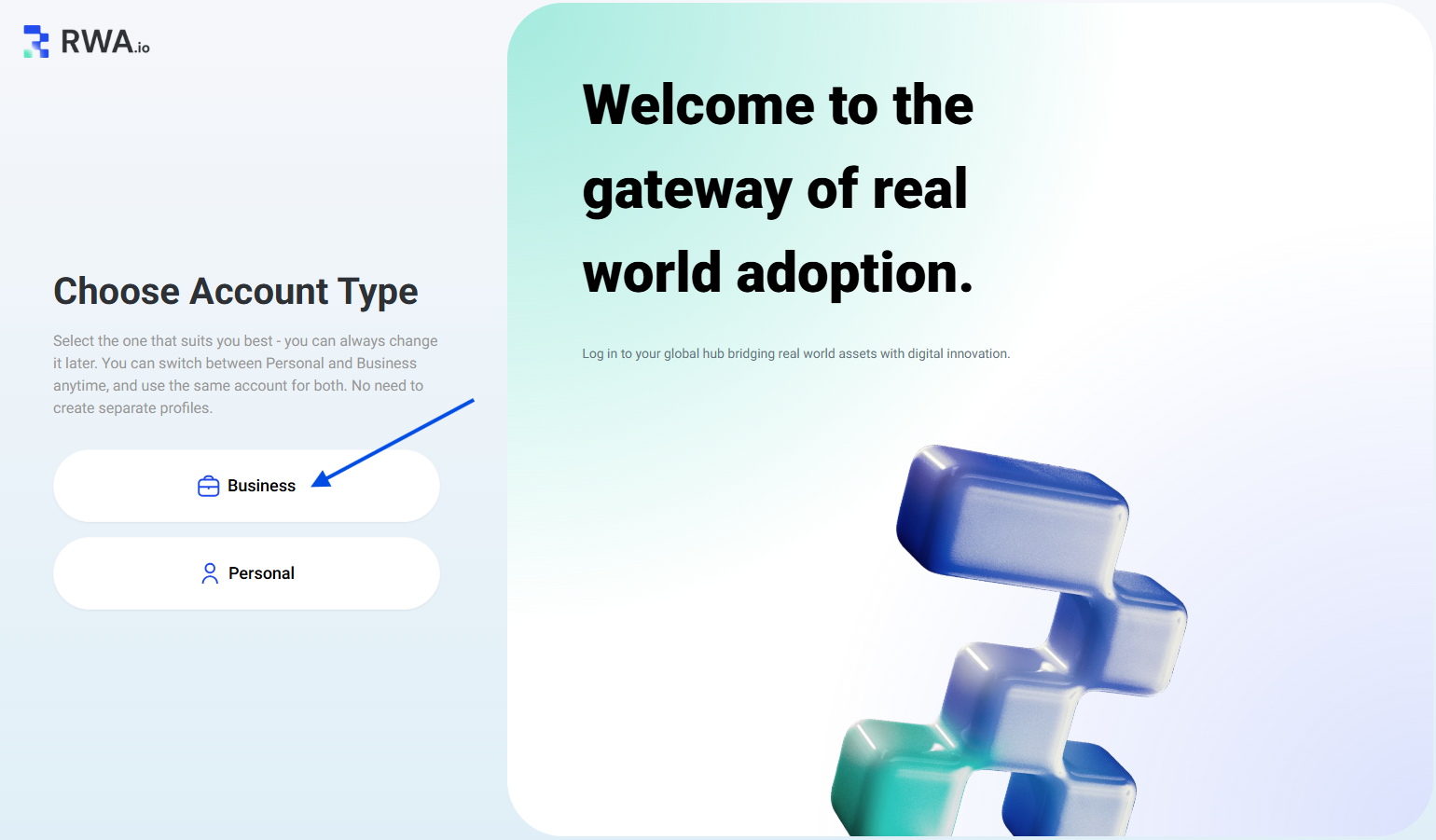
- Sign in with your business account
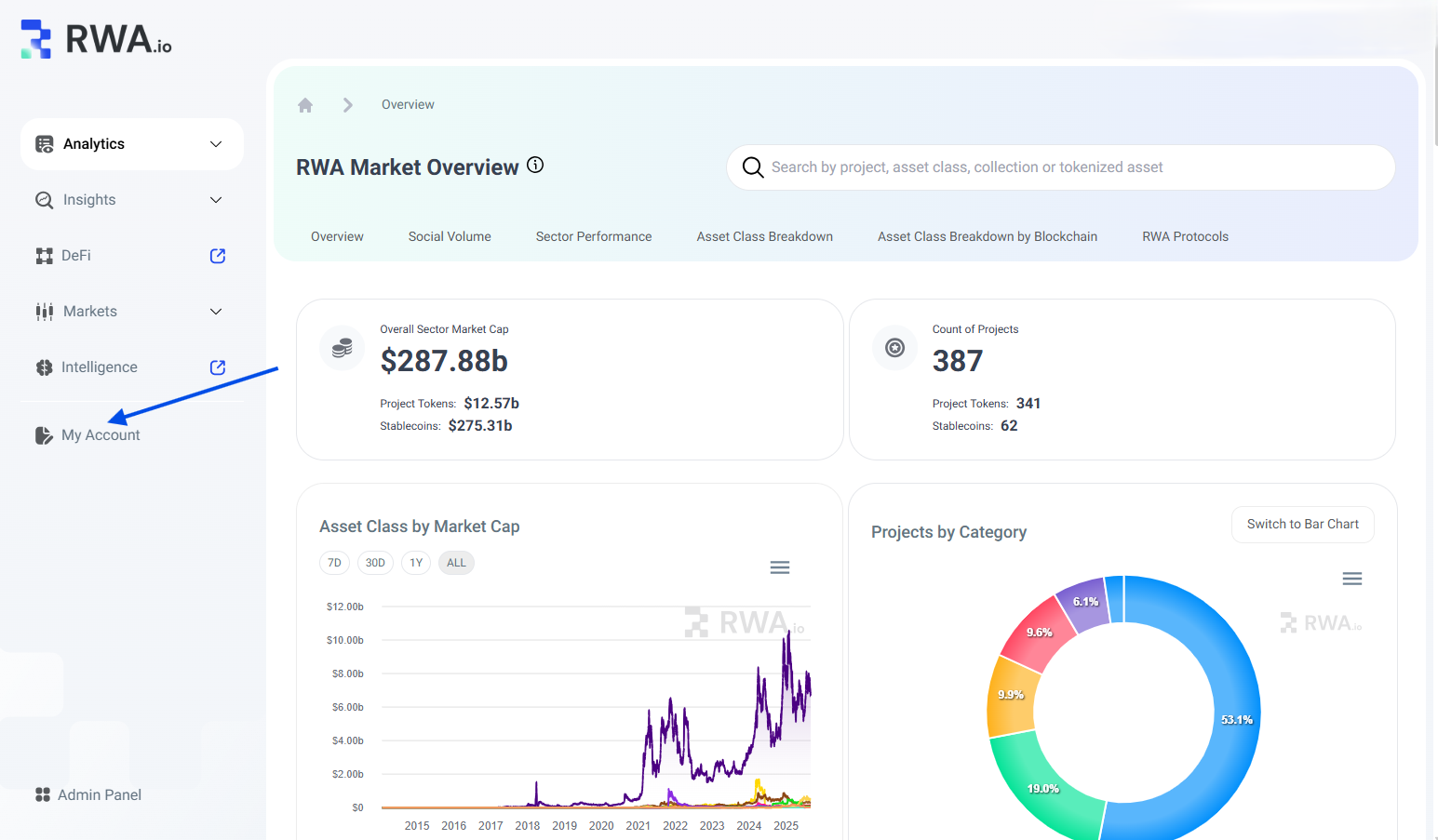
- Access your account dashboard
2. Add Project Token
- Click on a "Add New" button and select "Add Project Token" (currently, you can only add one project token)
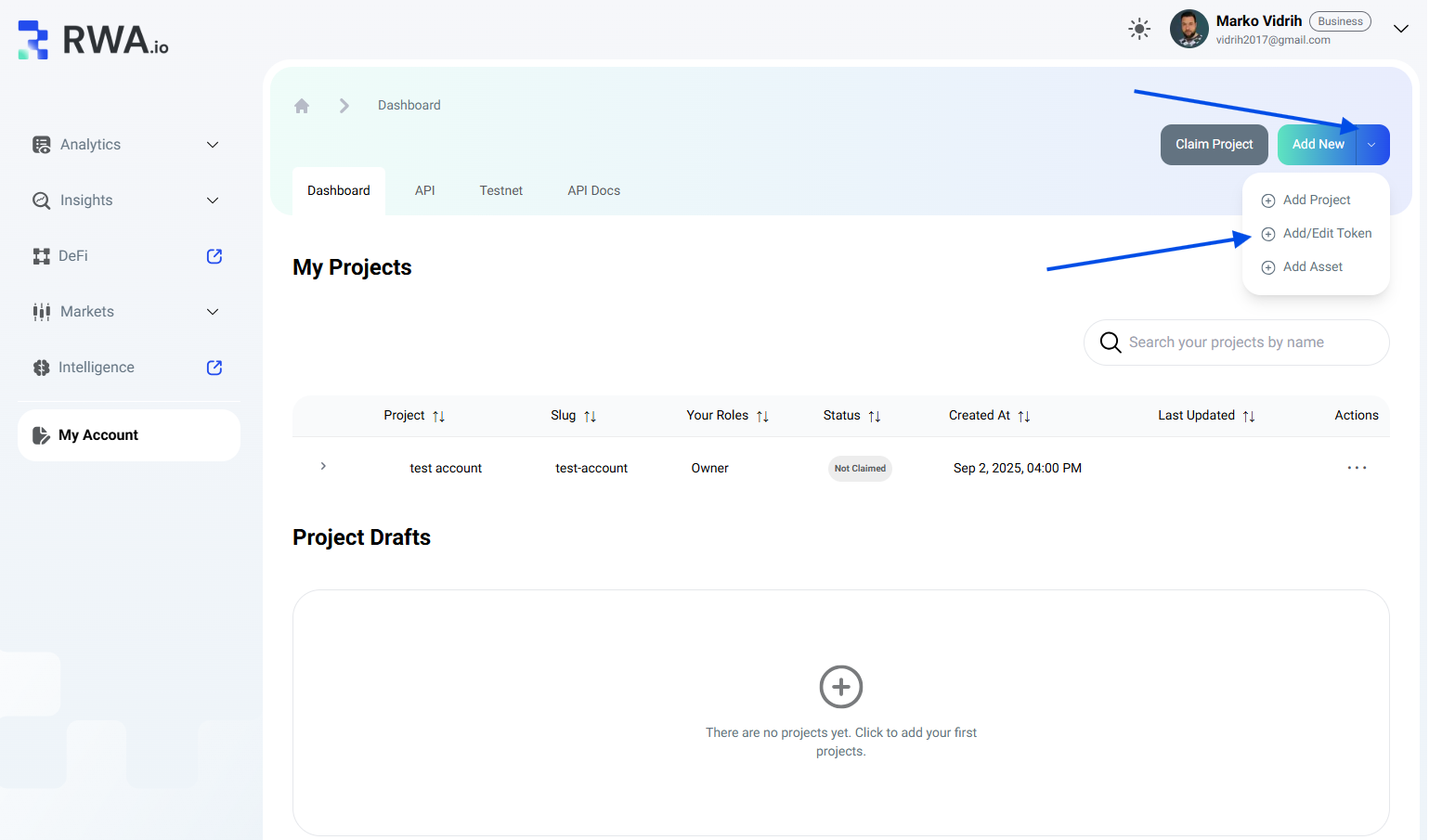
- Select your project and fill the required fields and click on "Update" button

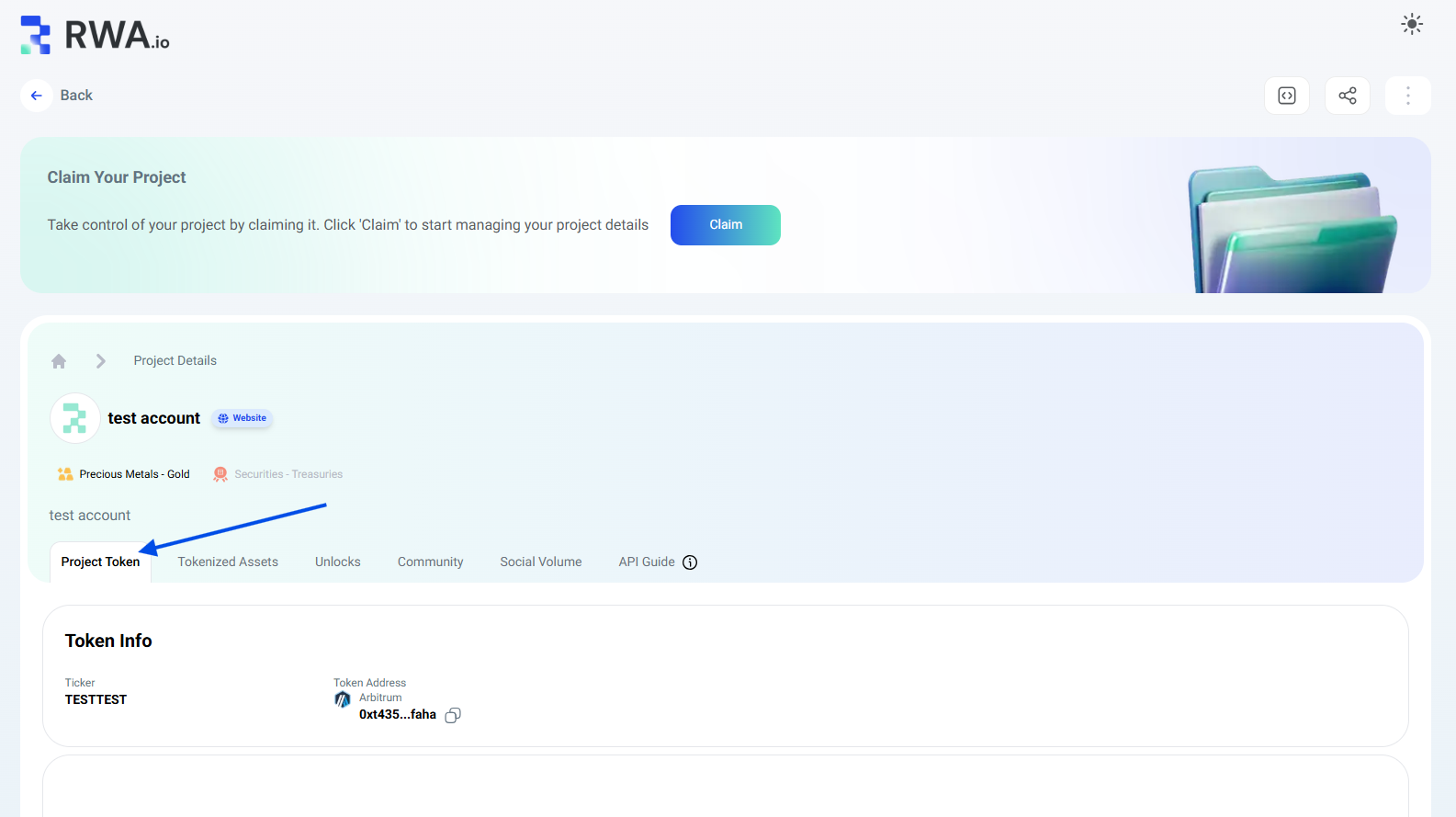
- View the token:
- Public project profile: "Project Token" tab
- API integration:
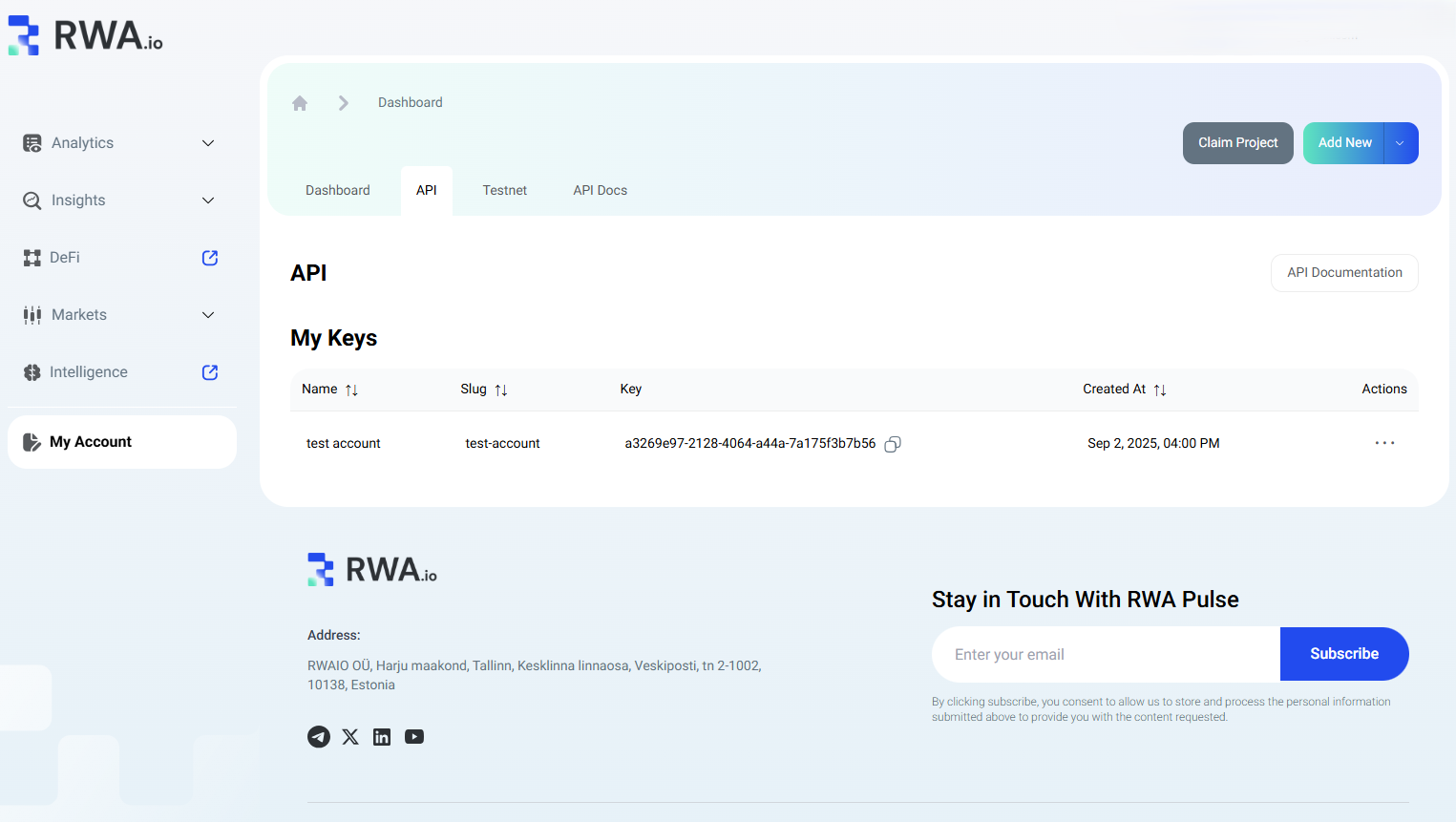
- Get API key from your dashboard > API tab
- Use the API to showcase/update your token data. Documentation can be found at "API Docs" tab
- Manage data through the API interface you will find at your dashboard under "API" tab
For more guidance on how to add your data, check this article.
